ByMd BaizidReviewed by:Tarikul Hasan
Human WrittenEnterprise UI UX Design Services: Designing Better Experiences for Complex Business Software
Discover how enterprise UI UX design services simplify complex workflows, improve usability, and create scalable experiences for business software.
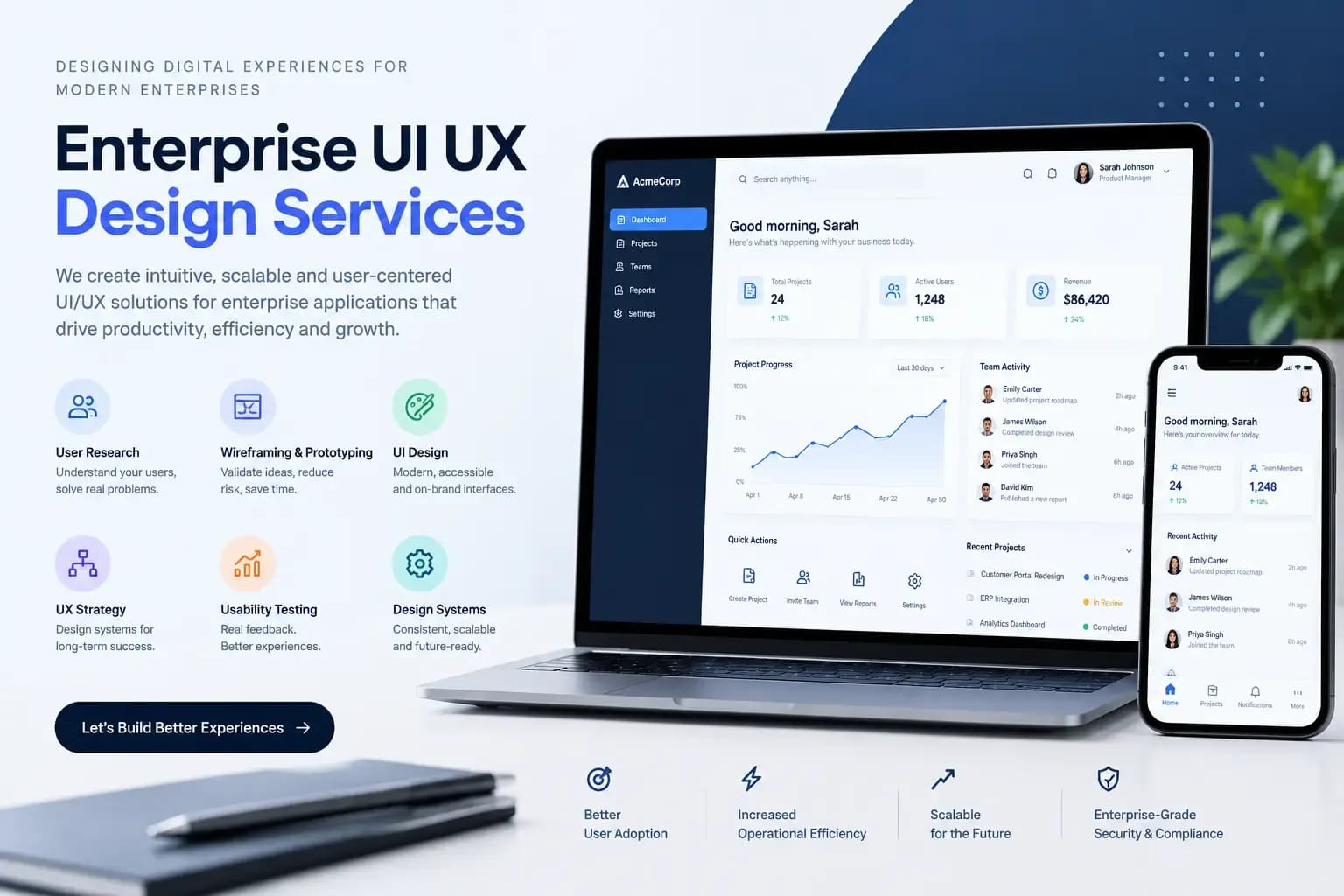
Enterprise UI UX Design Services turn complex business software into interfaces that are easier to understand, navigate, and use.
Enterprise products often include multiple user roles, dashboards, approval processes, reports, permissions, integrations, and large amounts of data. The challenge is not simply creating attractive screens. It is making all that functionality feel organized and manageable for the people who use it every day.
Enterprise UX Starts With How People Work
Enterprise UX designs software around real business tasks, workflows, users, and decisions. Instead of treating every screen as an individual design problem, the process looks at how different parts of the product work together.
A sales employee might need to create a customer record, update an opportunity, and check a report. A manager may need to approve requests and monitor team performance. An administrator may need completely different controls.
Good UX accounts for these differences before visual design begins.
Enterprise UX vs. Consumer UX
Enterprise and consumer products both need clear interfaces, but their users, workflows, and complexity can be very different. Enterprise UX usually prioritizes task efficiency, data clarity, permissions, consistency, and long-term usability, while consumer products often focus more heavily on simplicity, engagement, and quick interactions.
The distinction matters because applying a simple consumer-app approach to a complex enterprise system can hide important functionality or make routine tasks harder.
Turn Business Processes Into Clear User Flows
Before deciding where a button should go, designers need to understand what the user is trying to accomplish.
Workflow mapping can show where a task begins, which information is required, who approves it, what happens when something goes wrong, and what the user needs to do next.
Consider an employee expense system. Submitting an expense might involve entering details, uploading receipts, sending the request for approval, responding to a rejection, and checking reimbursement status.
If those steps are designed separately, the experience can become confusing. Mapping the complete journey creates a much stronger foundation for information architecture, navigation, forms, dashboards, and interactions.
For businesses building these kinds of complex systems, understanding the broader requirements of enterprise software development can also help align UX decisions with technical and operational needs.
Design Around Different User Roles
Enterprise applications rarely serve one audience. A manager may need performance summaries, while an employee needs task-level controls. An administrator may require configuration options that would only distract other users.
Role-aware design can reduce unnecessary complexity by presenting relevant information and actions to each type of user.
This does not mean every role needs a completely different interface. A consistent design system can maintain the same visual language while allowing the content and available actions to change based on permissions and responsibilities.
Data-Heavy Interfaces Need Strong Information Hierarchy
Tables, charts, filters, reports, notifications, forms, and status indicators are common in enterprise software. Putting everything on the same visual level quickly makes a screen difficult to scan. A better interface establishes priorities.
Important information should be easy to identify, while secondary details remain available without competing for attention. Search, filtering, sorting, grouping, pagination, saved views, and meaningful labels can also make large datasets easier to manage.
For a finance dashboard, for example, a user may first need the current financial position, then specific transactions, and finally detailed records. The interface should support that order naturally.
Navigation Should Follow Tasks
Users should not have to understand the application's technical structure to find a business function. A large enterprise platform may contain dozens of modules, but its navigation can still feel straightforward when sections are grouped around familiar tasks and business concepts.
Clear naming, logical categories, breadcrumbs, contextual actions, search, and role-specific navigation can all reduce unnecessary navigation effort.
Information architecture becomes even more important as new features are introduced. Without a clear structure, adding functionality can gradually turn the navigation into a long list of unrelated options.
This is also why UX should work closely with website design and development when planning or redesigning a complex web-based product.
Design Systems Bring Consistency to Large Products
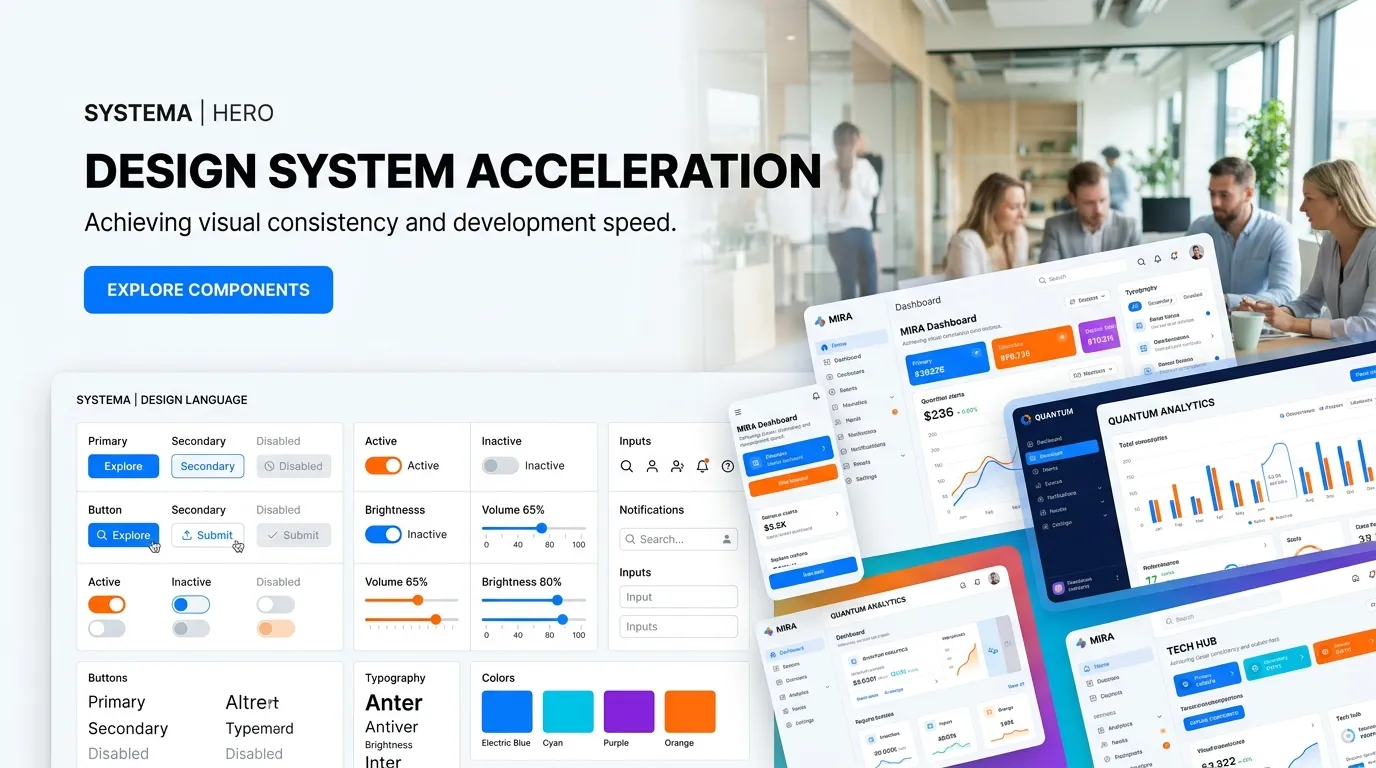
A design system provides reusable components, visual rules, interaction patterns, and guidelines that keep a product consistent.
This becomes particularly valuable when an enterprise platform has hundreds of screens or multiple designers and developers working on it.
A shared system can define how buttons behave, how forms display errors, how tables are structured, how spacing works, and how common components respond across different screen sizes.
It also gives future teams a foundation for extending the product without redesigning familiar elements every time a new feature is added.
Prototypes Help Find Problems Earlier
A prototype lets stakeholders and users interact with a proposed experience before the complete product is developed. Instead of reviewing isolated static screens, a team can test realistic tasks such as creating an account, submitting a request, approving an item, finding a report, or changing a setting.
That interaction can reveal problems that are easy to miss in visual mockups. Users may misunderstand a label, miss an important action, or struggle to understand what happens after submitting a form.
Finding these issues during design is generally easier than discovering them after a feature has already been developed. Businesses that want to understand the financial side of design can also review Inforisen's guide to UI/UX design cost for startups, which explains some of the factors that influence design scope and pricing.
Accessibility Belongs in Enterprise Product Design
Enterprise applications can be used for several hours a day, across different devices and working environments. Accessibility therefore deserves attention throughout the design process.
Readable typography, sufficient contrast, keyboard accessibility, clear form labels, understandable error messages, logical focus states, and support for assistive technologies can make software easier to use for a wider range of people.
Accessibility is also easier to maintain when it is built into the design system instead of being treated as a final-stage correction.
Legacy Applications Need a Practical Redesign Strategy
An old interface does not necessarily mean the entire application needs to be replaced. Many businesses rely on legacy software because it contains important processes, data, and integrations. Completely changing the interface at once can create disruption for employees who already know the system.
UX research can identify the areas that cause the most friction. Perhaps users struggle with search, spend too much time entering information, or frequently make mistakes in one particular workflow.
Those high-impact areas can be redesigned first while the underlying system continues to support essential business operations.
When redesigning a legacy platform, the development side also matters. Inforisen's software development services can support projects where interface improvements need to work alongside custom functionality, integrations, and existing systems.
SaaS Products Need UX That Can Handle Growth
A SaaS product can become significantly more complicated as new features, account types, integrations, permissions, and settings are introduced.
Designing only for today's feature list can create problems later. A navigation system that works for ten features may become difficult to manage when the product expands considerably.
Scalable information architecture, reusable components, consistent interaction patterns, and clear feature hierarchy give the product room to evolve.
This is especially relevant when UI/UX planning happens alongside SaaS product development rather than after the core architecture has already been established.
Enterprise UI/UX Design Process at Inforisen
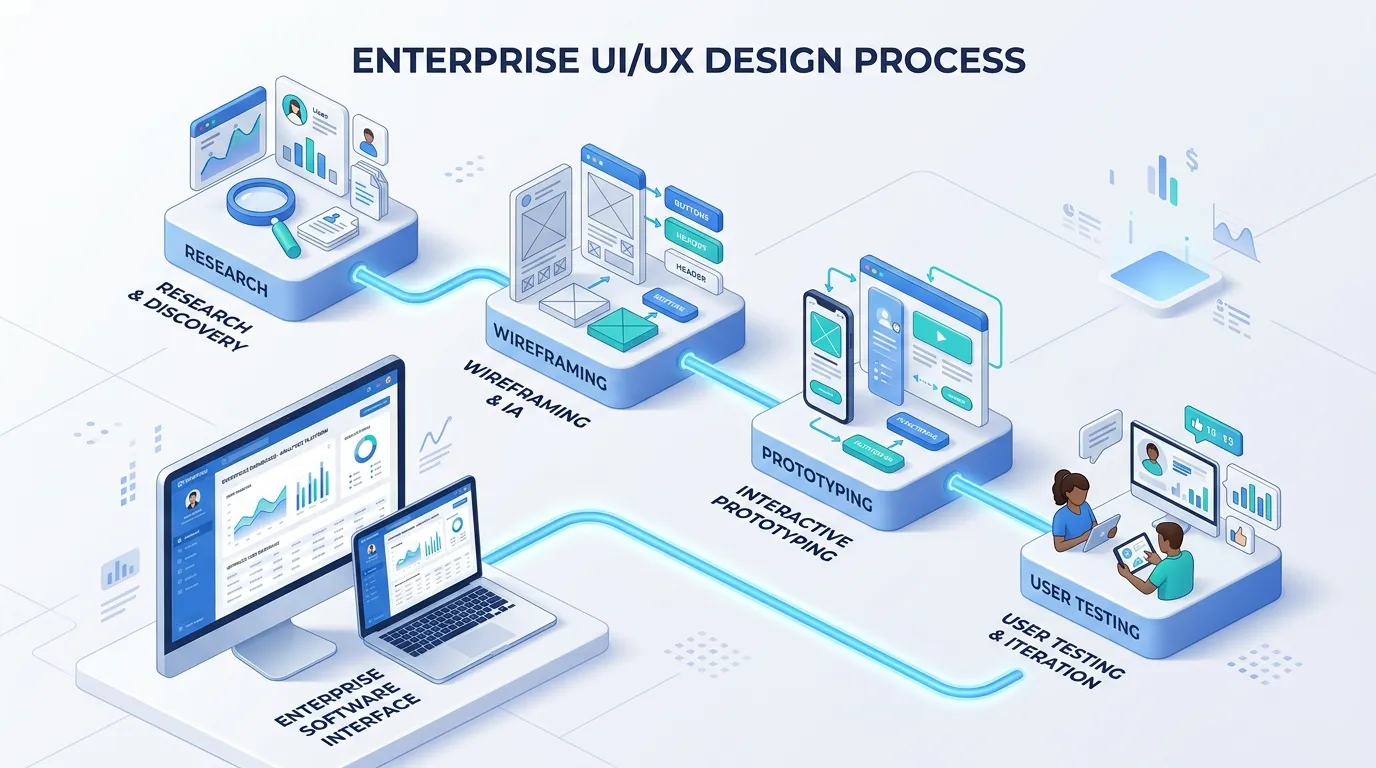
A practical enterprise UX process should connect user research, business requirements, design, testing, and development. At Inforisen, an enterprise UI/UX project can follow a structured flow:
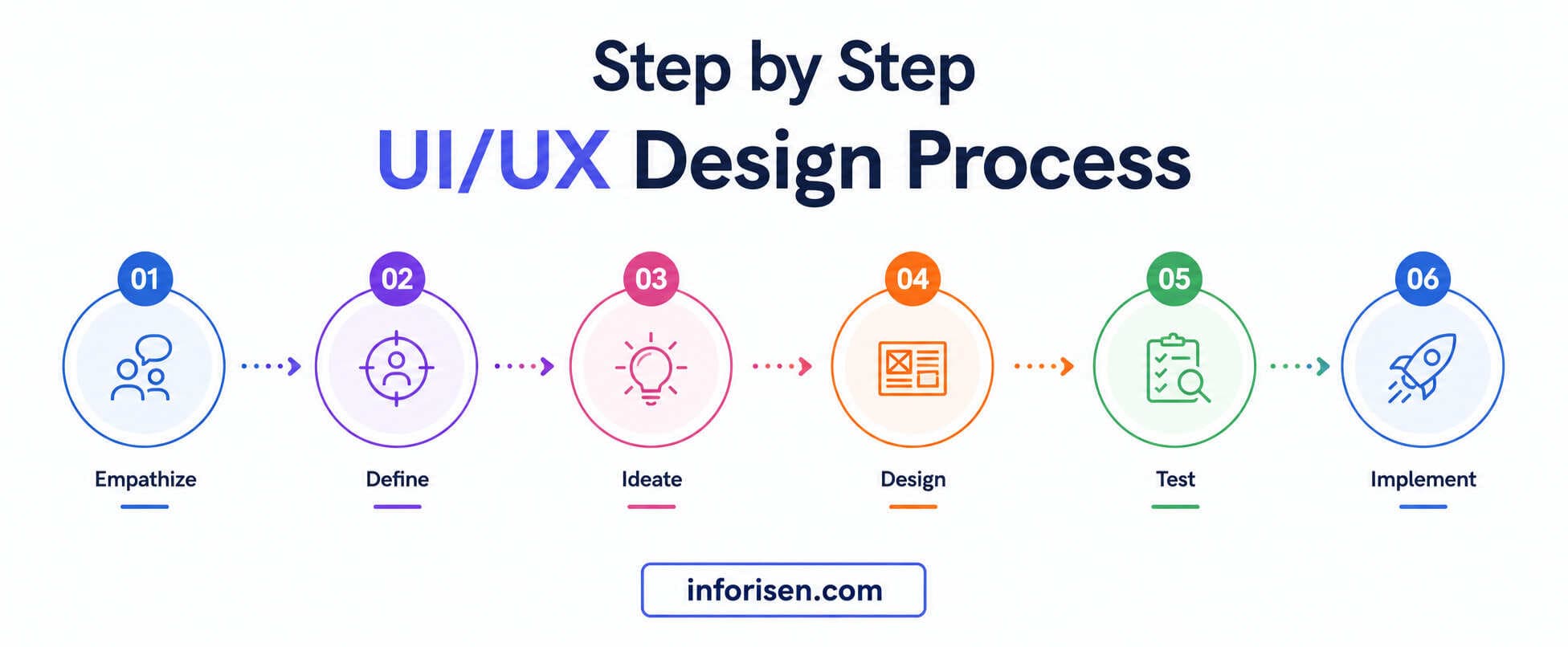
Discovery → Stakeholder Interviews → Workflow Mapping → Information Architecture → Wireframes → Prototype → Usability Testing → Design System → Developer Handoff → Post-Launch Measurement
Discovery and Stakeholder Interviews
The project begins by understanding the product, business objectives, users, existing problems, and technical environment.
Stakeholder discussions can reveal operational requirements that may not be obvious from existing screens.
Workflow Mapping and Information Architecture
Important user journeys are then mapped and the product's information is organized into logical structures.
This helps determine how modules connect, what users need at each stage, and which actions deserve greater visibility.
Wireframes and Prototypes
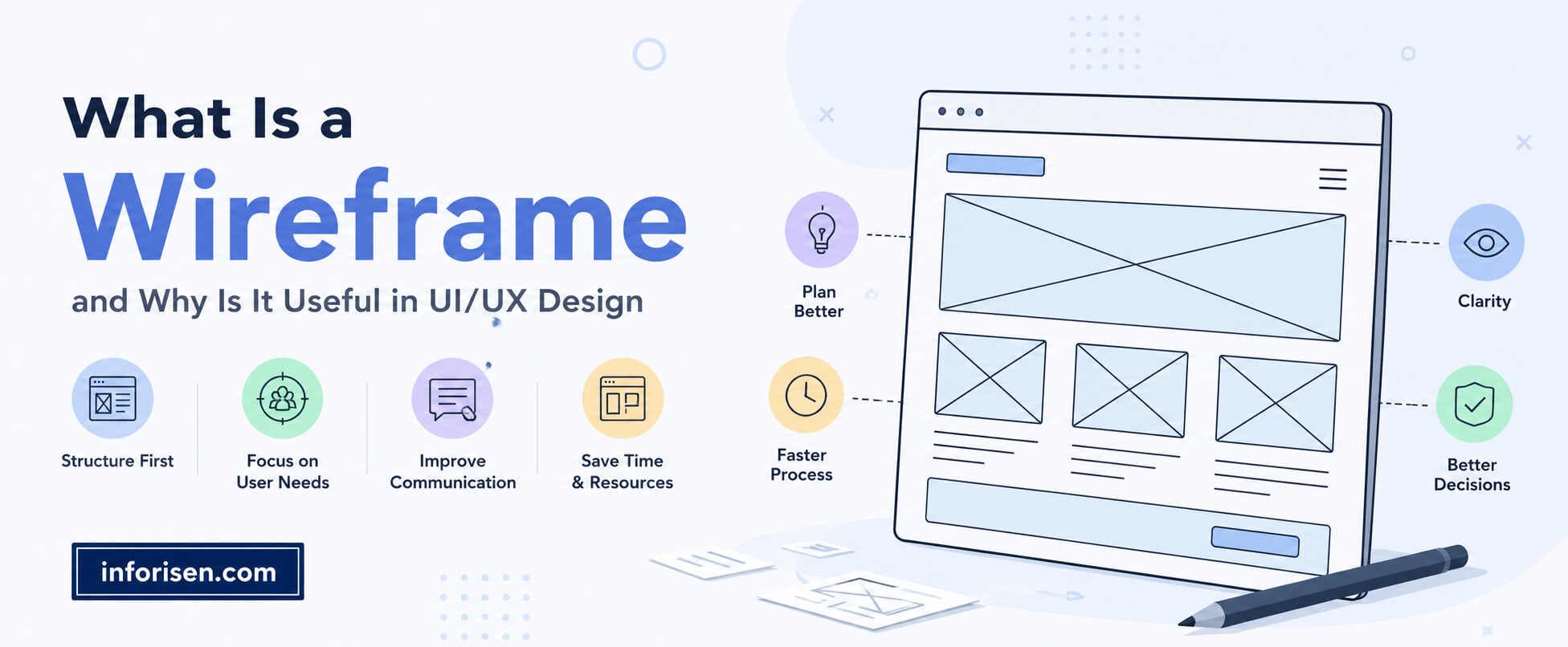
Wireframes establish layout and functionality before visual details become the focus.
Interactive prototypes can then demonstrate important workflows and provide something concrete for stakeholders and users to evaluate.
Usability Testing and Design System
Testing helps identify confusing interactions, unnecessary steps, and terminology problems. Once core patterns are validated, reusable components can be organized into a design system.
Developer Handoff and Post-Launch Measurement
Design specifications, component behavior, responsive states, and interaction details need to be communicated clearly to developers.
After launch, usability feedback, product analytics, support requests, and task performance can help identify areas that need further improvement.
How Should Enterprise UX Be Measured?
A polished interface is not enough to prove that enterprise UX is working. The more useful question is whether people can complete important tasks accurately and efficiently.
Depending on the product, teams may monitor task completion, workflow time, error rates, feature adoption, support requests, user feedback, or abandonment at specific stages.
For example, if employees repeatedly struggle with a five-step approval workflow, reducing unnecessary actions and making the status of each request clearer can be a meaningful UX improvement.
The exact metrics should reflect the product's purpose rather than relying on a generic UX score.
When Does a Business Need Enterprise UX Services?
Enterprise UX becomes particularly valuable when employees regularly struggle with software, a product has accumulated too many features, users rely on workarounds, support requests keep increasing, or a redesign is being planned for an outdated system.
It is also worth considering during the development of a new enterprise platform. Researching users and mapping workflows early can prevent teams from building large amounts of functionality around an unclear or inefficient experience.
For businesses developing custom enterprise systems, UI/UX should work alongside software architecture and development. Inforisen's guide on how to build enterprise software also discusses business workflows, user permissions, integrations, scalability, and other requirements involved in complex systems.
What Affects Enterprise UI/UX Design Cost?
Enterprise UI/UX pricing depends on the scope of the product rather than simply the number of screens. The number of user roles, complexity of workflows, research requirements, prototype depth, design-system work, usability testing, responsive requirements, and existing product condition can all influence the overall effort.
A small internal dashboard and a multi-module enterprise platform therefore require very different levels of design work.
Businesses can get a more realistic estimate by defining their core users, major workflows, required modules, existing design assets, and expected deliverables before requesting a proposal.
Choosing the Right Enterprise UX Partner
A portfolio can show visual quality, but it does not tell you everything about how a design team handles complex products.
Ask how the team conducts research, understands business workflows, handles multiple user roles, tests prototypes, documents design systems, and works with developers.
It is also useful to understand what happens after the initial design. Enterprise products evolve continuously, so the design approach should make future changes easier rather than creating another layer of inconsistency.
Businesses comparing development partners can also review Inforisen's guide on how to choose the right web development company for broader questions around technical capability, communication, process, pricing, and ongoing support.
Why Choose Inforisen for Enterprise UI/UX Design?
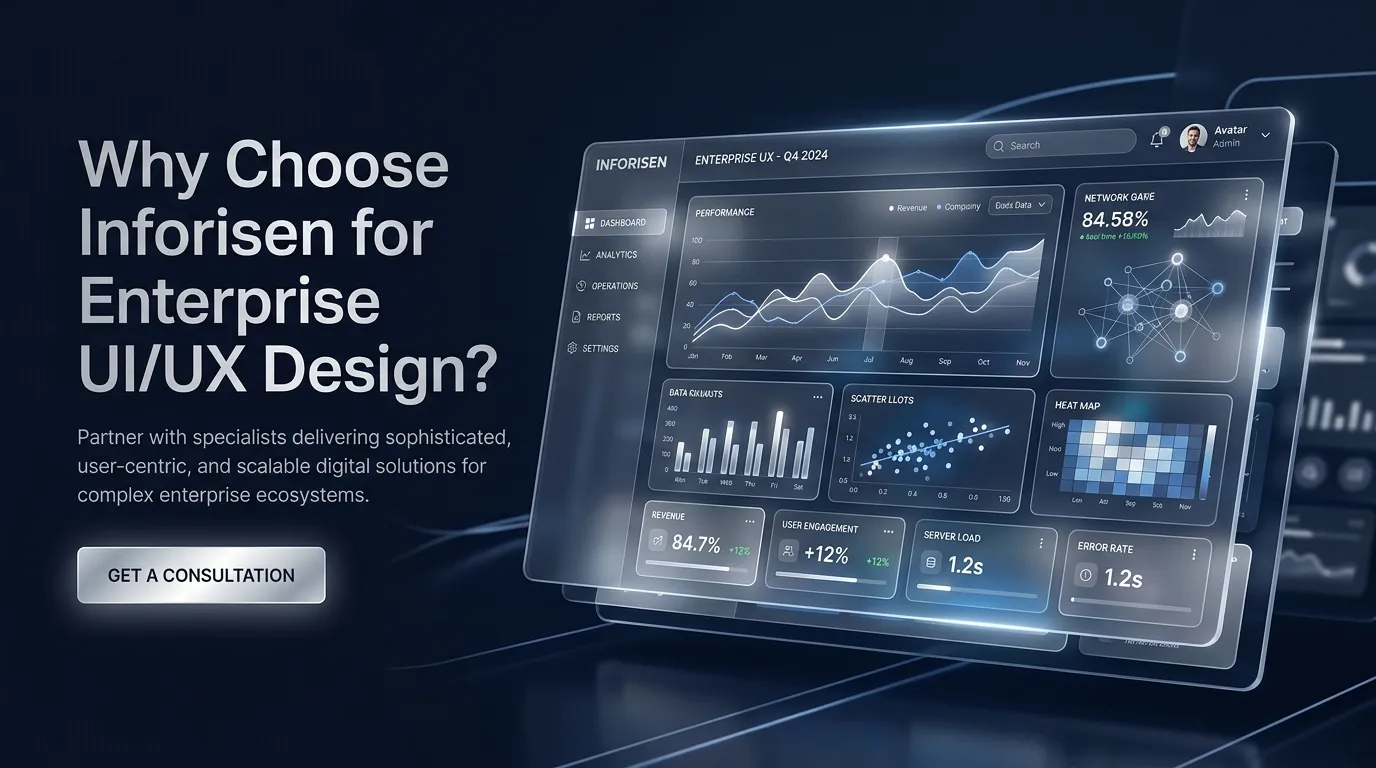
Inforisen approaches UI/UX design by considering both the user's experience and the business workflow behind the product. Its UI/UX design services cover research, wireframes, prototypes, responsive interfaces, usability testing, accessibility, and design systems, making the approach suitable for dashboards, SaaS products, internal tools, and complex web or mobile applications.
The focus is not simply on giving enterprise software a modern appearance. The goal is to organize information clearly, simplify important workflows, and create consistent interactions that support how people actually use the product. When UX and development are considered together, businesses can also make design decisions with technical requirements in mind.
Final Words
Enterprise UX is about making complex software easier to work with without removing the functionality that businesses depend on.
Good design starts with users and workflows, then turns that understanding into clear navigation, useful information hierarchy, consistent components, and tested interactions.
For a new enterprise product or an existing system that has become difficult to use, thoughtful UX can make the difference between software people simply have to use and software they can work with confidently.
Frequently Asked Questions
What are enterprise UI UX design services?
Enterprise UI UX design services focus on designing interfaces and user experiences for complex business software, SaaS platforms, dashboards, internal tools, and enterprise applications.
How is enterprise UX different from consumer UX?
Enterprise UX typically involves more user roles, permissions, workflows, business data, and system complexity. It places strong emphasis on efficiency, accuracy, consistency, and task completion.
What does an enterprise UX designer do?
An enterprise UX designer researches users, maps workflows, organizes information, creates wireframes and prototypes, tests interactions, designs interfaces, and collaborates with developers during implementation.
Why is a design system important for enterprise software?
A design system creates reusable components and interaction patterns, helping large software products maintain consistency as new screens, modules, and features are introduced.
Can UI/UX improve an existing enterprise application?
Yes. UX research can identify confusing navigation, inefficient workflows, unnecessary steps, and information problems in an existing system. Teams can then prioritize the areas creating the most friction.
Should UX design happen before enterprise software development?
UX planning should ideally begin early. Understanding users, workflows, information architecture, and core interactions before development can help teams avoid building complex functionality around a confusing user experience.
.webp&w=3840&q=75)
.jpg&w=3840&q=75)